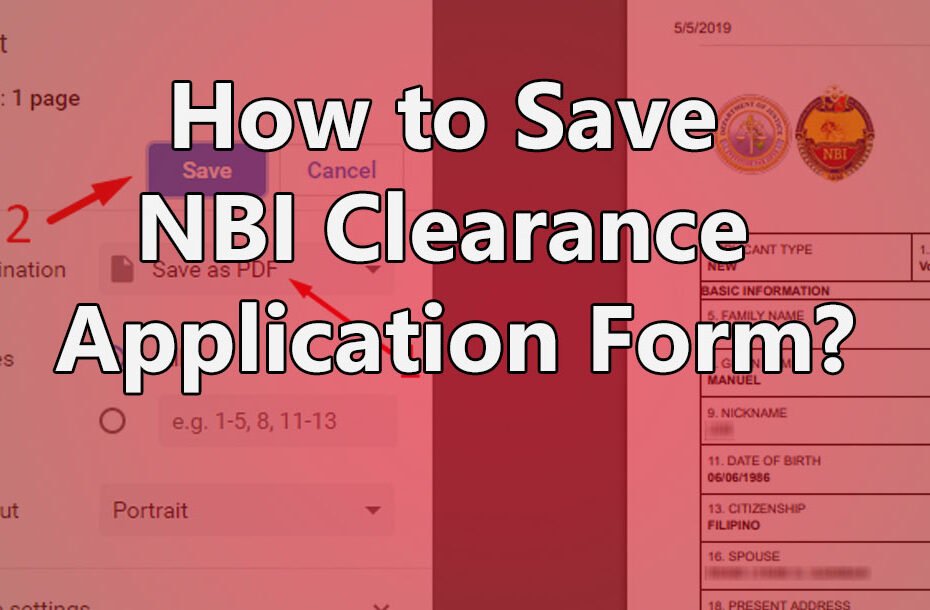
Securing your National Bureau of Investigation (NBI) appointment online is a vital step toward getting your clearance. However, your online booking is only complete once you have your confirmation slip. This document serves as concrete proof that you paid the processing fee and secured a specific time slot.
Staff at the NBI branch rely on the reference number printed on this slip to pull up your profile quickly. Bringing a printed copy speeds up your entry and keeps the lines moving. We will show you exactly how to access and print your confirmation slip from the official portal.
Step-by-Step Guide to Printing Your Slip
Printing your appointment slip is a straightforward process. Follow these simple steps to get your document ready:
Step 1: Log into your account
Open your web browser and go to the official NBI Clearance Online Services portal. Enter the email address and password you used to register your account.
Step 2: Navigate to your transactions
Once you are on your dashboard, look for the “Transactions” button on the menu. Click it to view a list of all your past and current clearance applications.
Step 3: Locate your current appointment
Find your most recent transaction. You will see your official reference number, the payment status, and your scheduled appointment date.
Step 4: Click the print option
Look for the “Details” or “Print” button right next to your active reference number. Clicking this button will generate a digital copy of your confirmation slip on your screen.
Step 5: Print or save the file
If you have a printer connected to your computer, click the print icon to print the document immediately. If you do not have a printer at home, choose the option to “Save as PDF.” This saves the file to your computer or phone so you can print it later.
Troubleshooting Common Issues
Sometimes, technology fails or we misplace important details. If you run into trouble while trying to print your slip, try these simple fixes:
You lost your reference number
Do not worry if you forgot to write down your reference number after paying. Your number is safely stored in your NBI online account. Simply log back into the portal and check the “Transactions” tab to find it again. You can also check your email inbox or text messages, as the system often sends a copy of the reference number there.
You do not have a working printer
If your home printer runs out of ink or breaks down, save the confirmation slip as a PDF file. You can transfer this file to a USB flash drive and take it to a local print shop or internet cafe. If printing is entirely impossible, take a clear screenshot of the confirmation slip on your smartphone. Make sure the reference number is highly visible. While a printed copy is best, most NBI branches will accept a clear digital copy of the reference number if necessary.
Final Reminders for Your Appointment
After you print your confirmation slip, put it in a safe folder along with your other requirements. When you head to the NBI branch for your scheduled visit, you must present this slip along with two valid, government-issued IDs. Double-check that you have all these items before you leave your house. Arriving prepared ensures your biometrics capture goes smoothly and helps you get your final clearance without any stress.